Introducing Styles: Multiple On-Brand Looks for Every Piece
Build a photo look once, then apply it across your whole catalog. Generate several finished styles for the same piece in a single run.
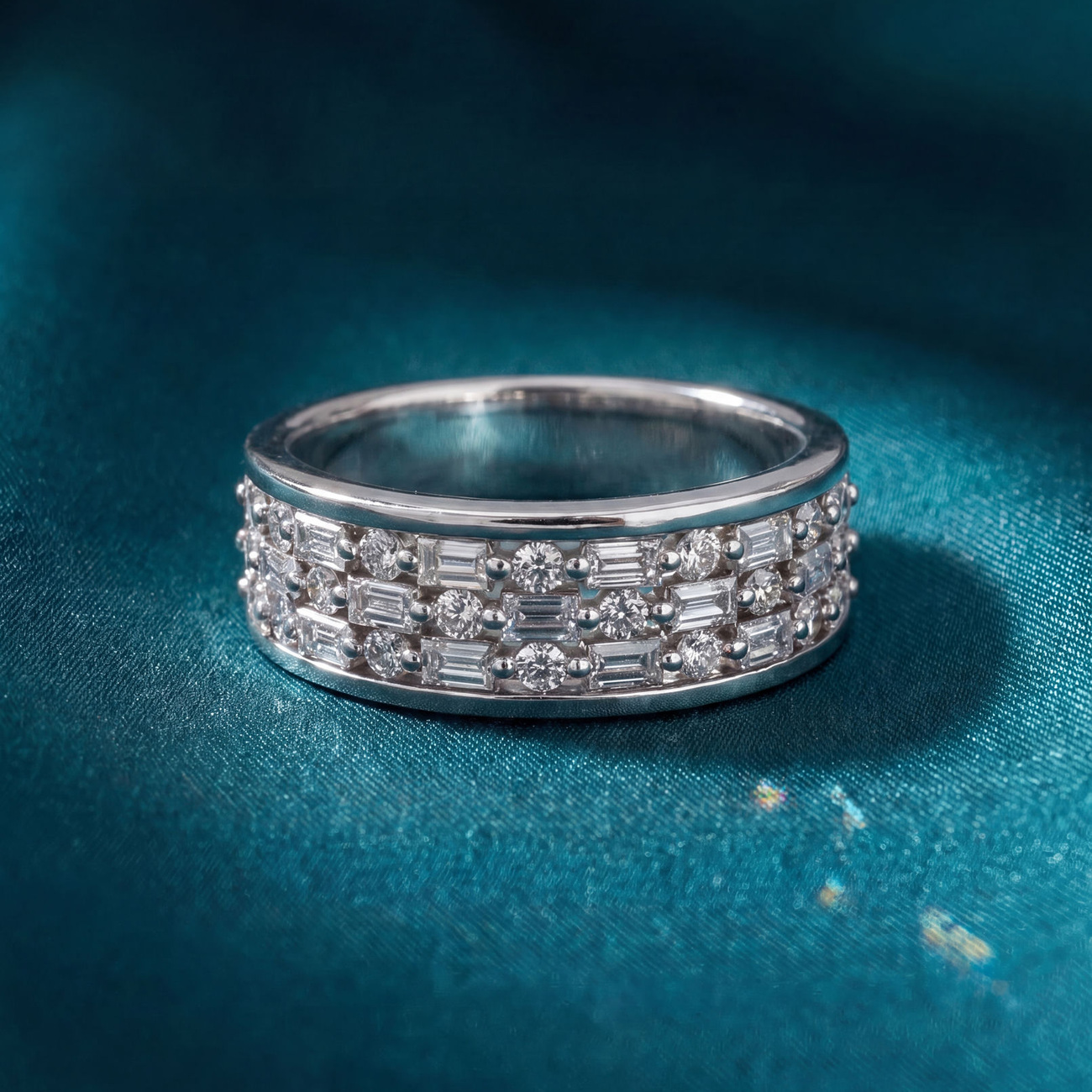
Ask most jewelers what slows their website down and the answer is almost always the same. Not the pricing, the descriptions, or the checkout. It is the photography. Every new piece has to be shot, cleaned up, and uploaded before it can sell, and the lighting never quite matches from one session to the next. Styles takes that job off your plate: set a look once, and Aurix reshoots every piece you own in that look. You start from the photos you already have and end with studio-grade imagery that always looks like your brand. No light tent, no $200-a-piece photographer, no reshoots.
The same piece, without the photo shoot
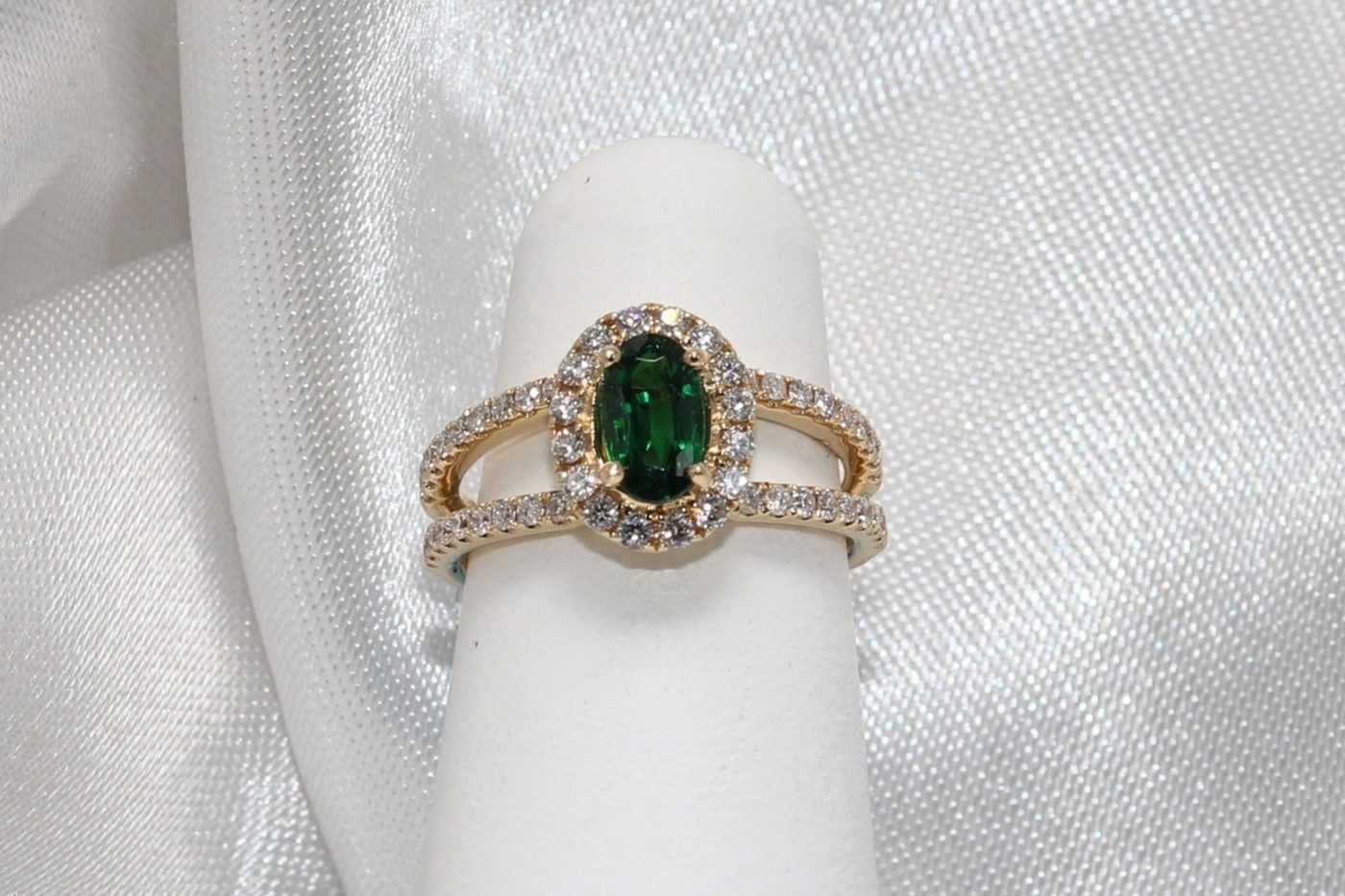
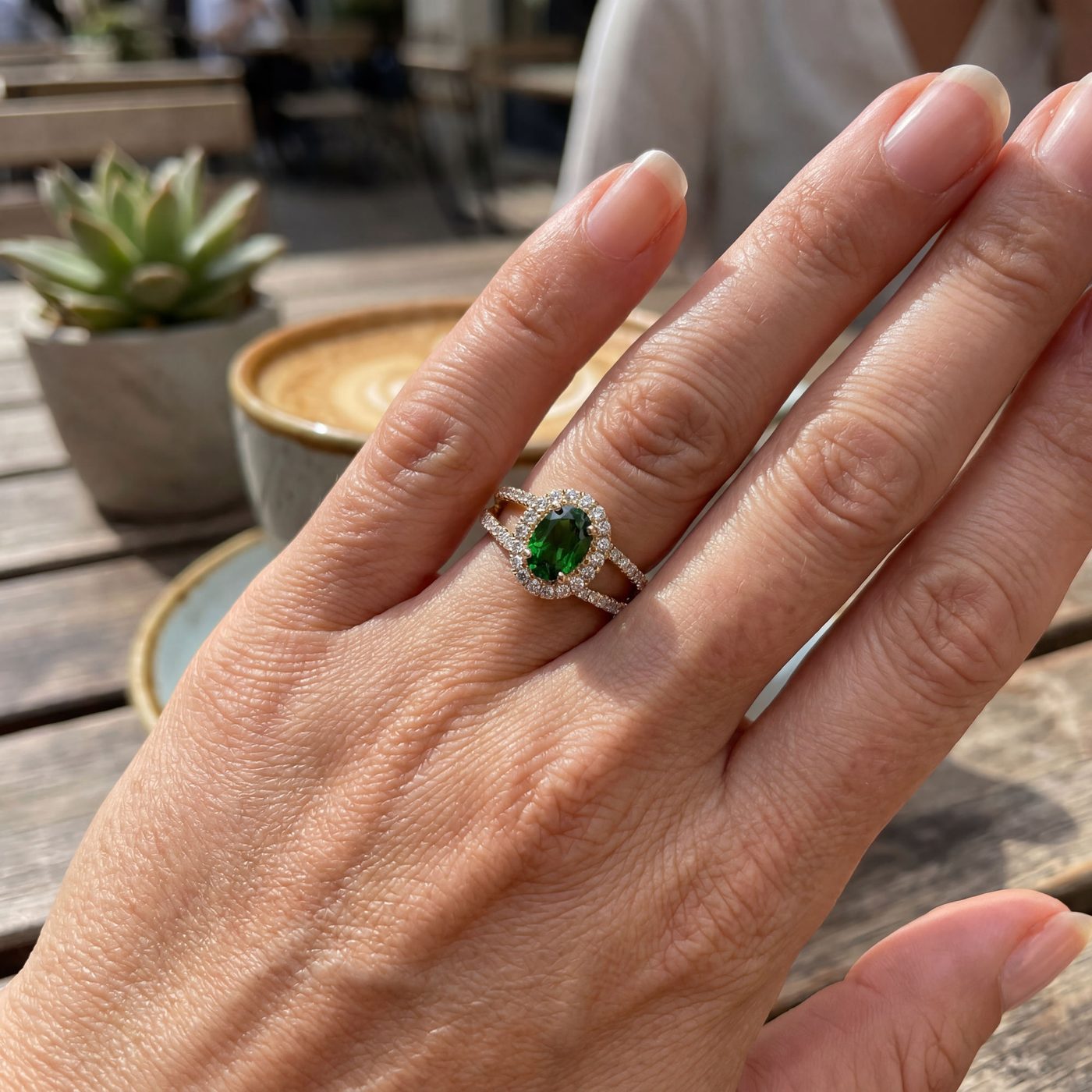
On the left, a normal counter photo of an emerald and diamond ring on a stand. On the right, an on-model lifestyle image Aurix generated from that exact photo. Same stone, same setting, same metal. Only the lighting, the hand, and the world around the piece are new.
What catalog photography actually costs you
For a store carrying hundreds or thousands of SKUs, photography is not a one-time expense. It is a tax you pay on every arrival, forever.
- Time: staging, shooting, editing, and uploading adds up to hours every week nobody can spare.
- Money: outsourced product photography runs $50 to $200 per piece, and lifestyle shoots cost far more.
- Consistency: shots taken on different days, cameras, and lighting never match, so the catalog looks uneven.
- New arrivals: pieces sit unphotographed and therefore unsold, exactly when they are most in demand.
Aurix removes that tax. The imagery is generated from what you already have, in a look you control, in the time it takes to pour a coffee.
It starts with your live inventory
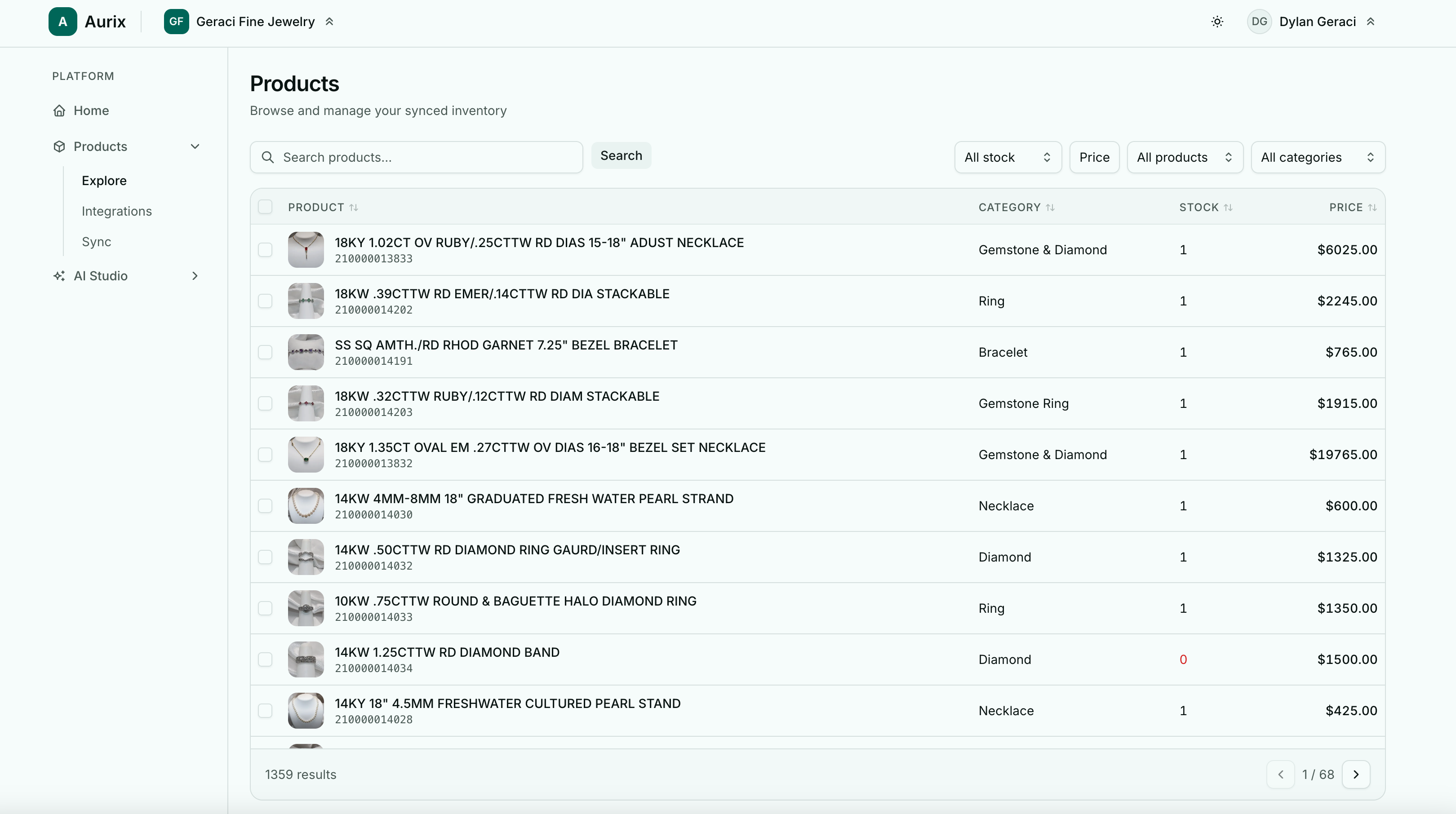
Aurix connects directly to Lightspeed and Shopify. Your products flow in automatically and stay in sync, so stock, prices, and images stay current without anyone exporting a spreadsheet.

Every piece lands in one place with its category, stock, and price attached. The store below has more than thirteen hundred products synced, each one ready to enhance.
Meet Styles: multiple looks from one upload
You no longer choose a single look per product. Pick the Styles you want and Aurix renders them together in one run: a clean catalog shot and an on-model lifestyle, a studio white and a dramatic blue velvet. Run it across the catalog and every product comes back in each Style you chose, consistent and ready to publish.
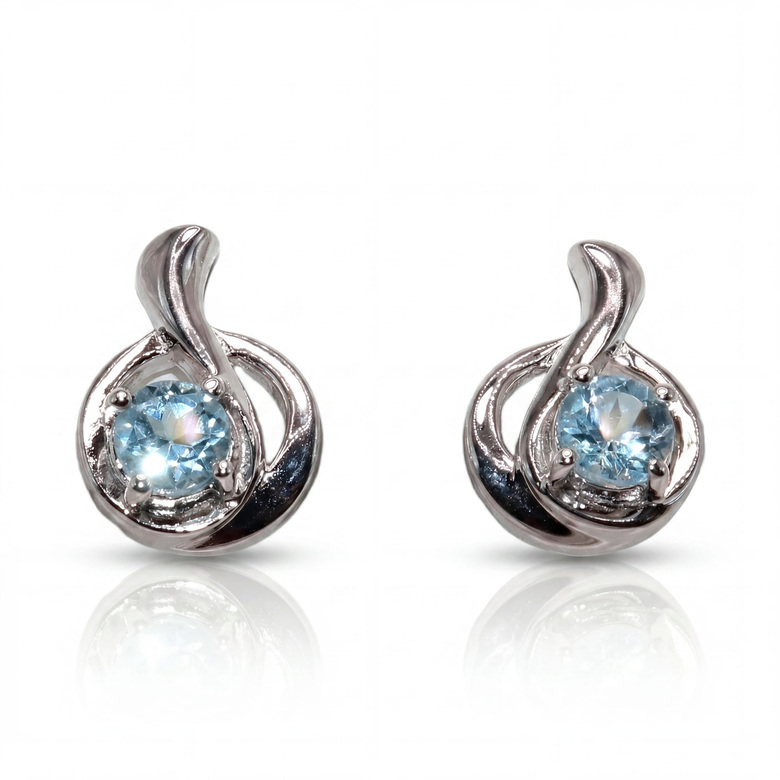
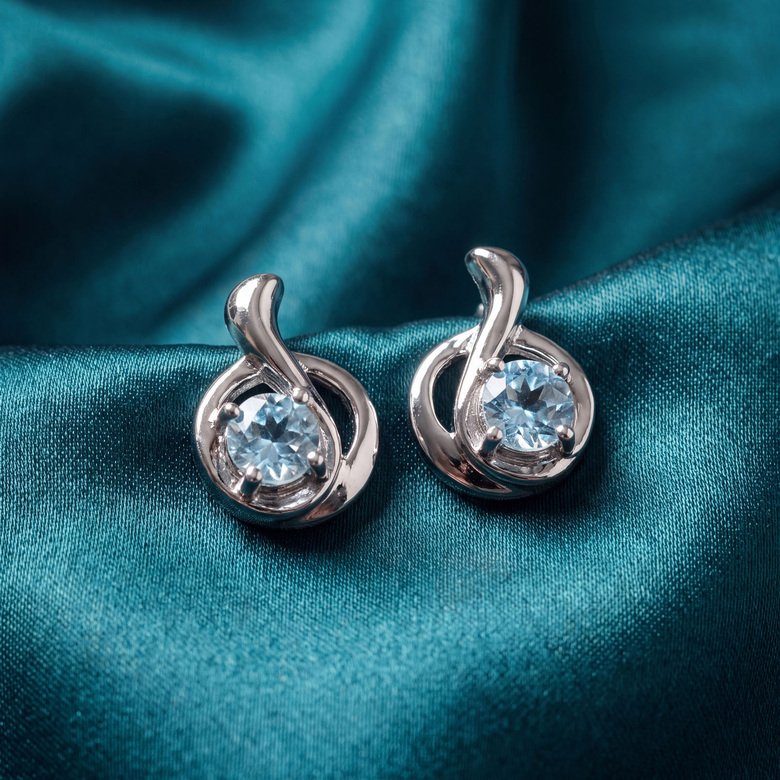
What is a Style?
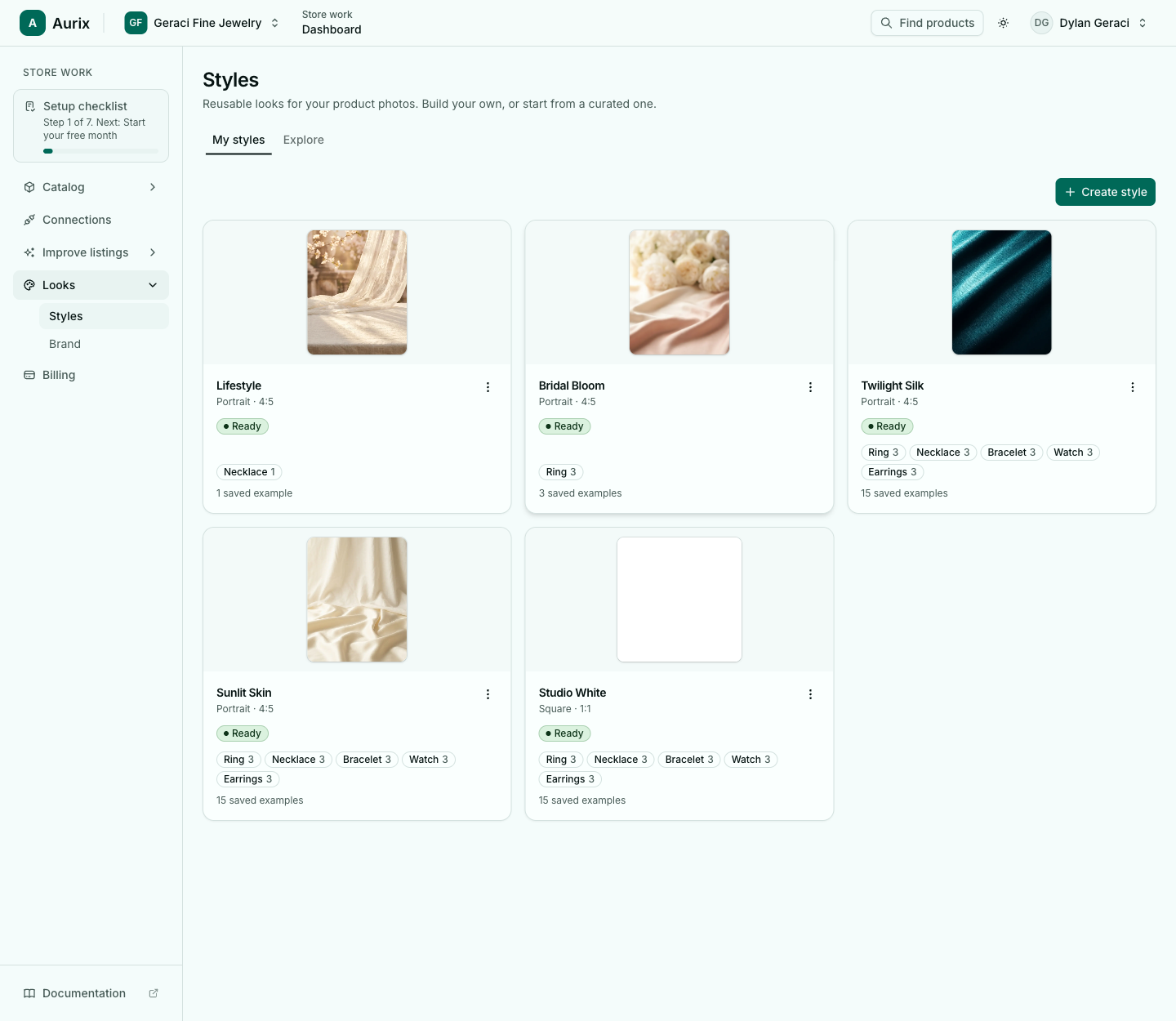
A Style is a finished, reusable look you can apply anywhere. Each one bundles three things:
- A scene: the backdrop, surface, light, and mood every product sits in.
- A shape: the aspect ratio of the final image, like Square for your site or Portrait for social.
- Per-category examples: reference shots that tune how rings, necklaces, earrings, bracelets, and watches each appear.
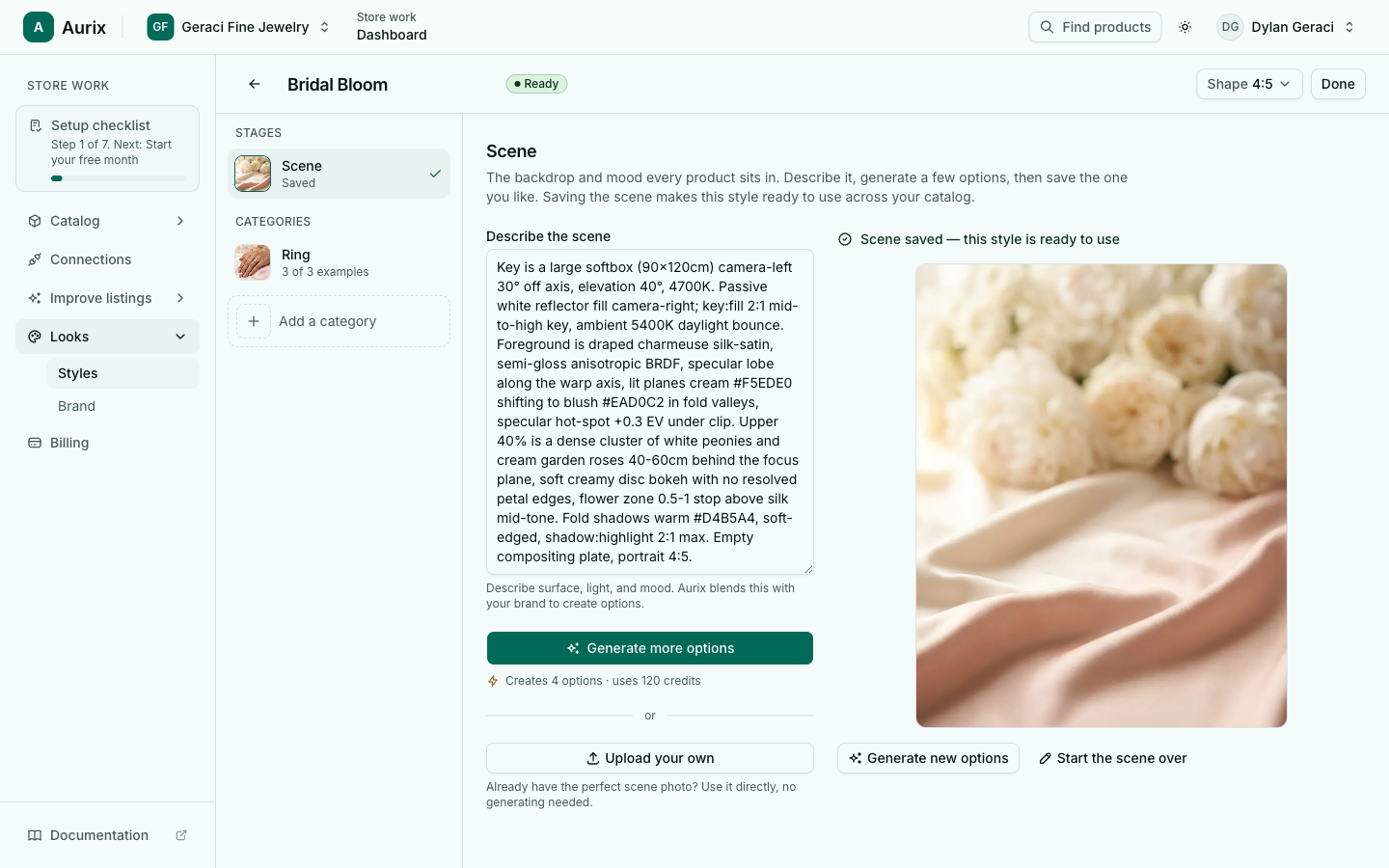
Five curated looks, or build your own
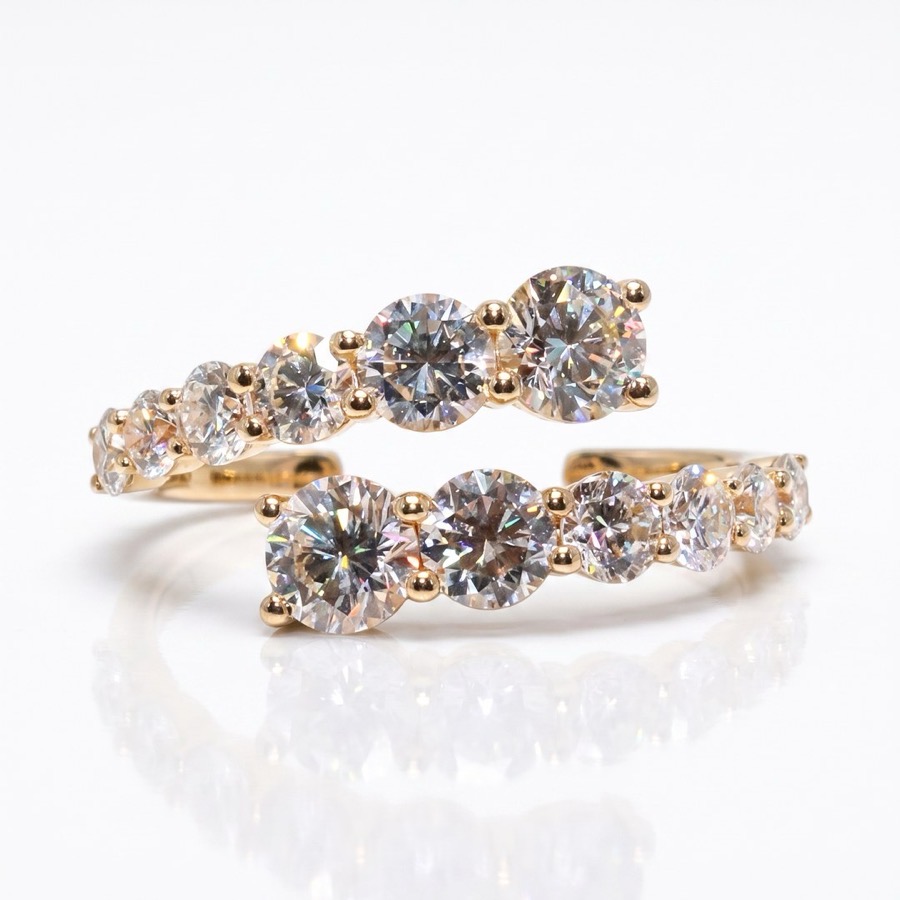
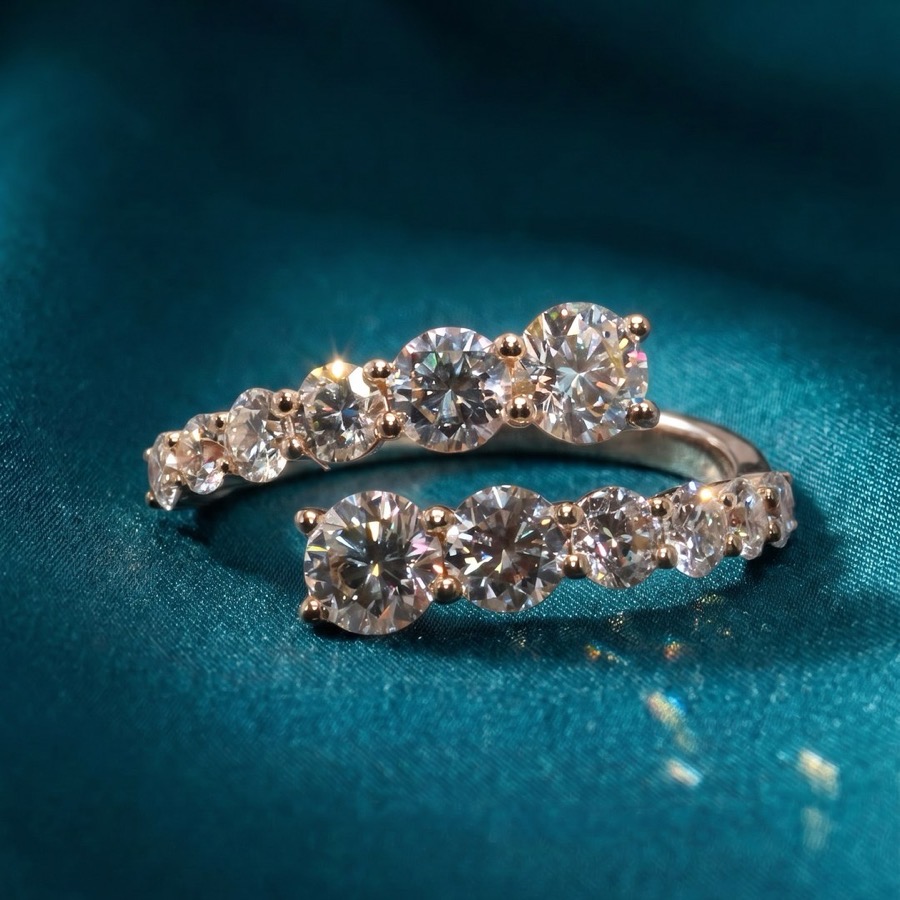
Adopt a professionally made look in one click and it lands in your library, ready to use. Start with Studio White, Sunlit Marble, Sunlit Skin, Bridal Bloom, or Twilight Silk, then tweak them or build your own. New looks are added regularly.
Your brand, remembered
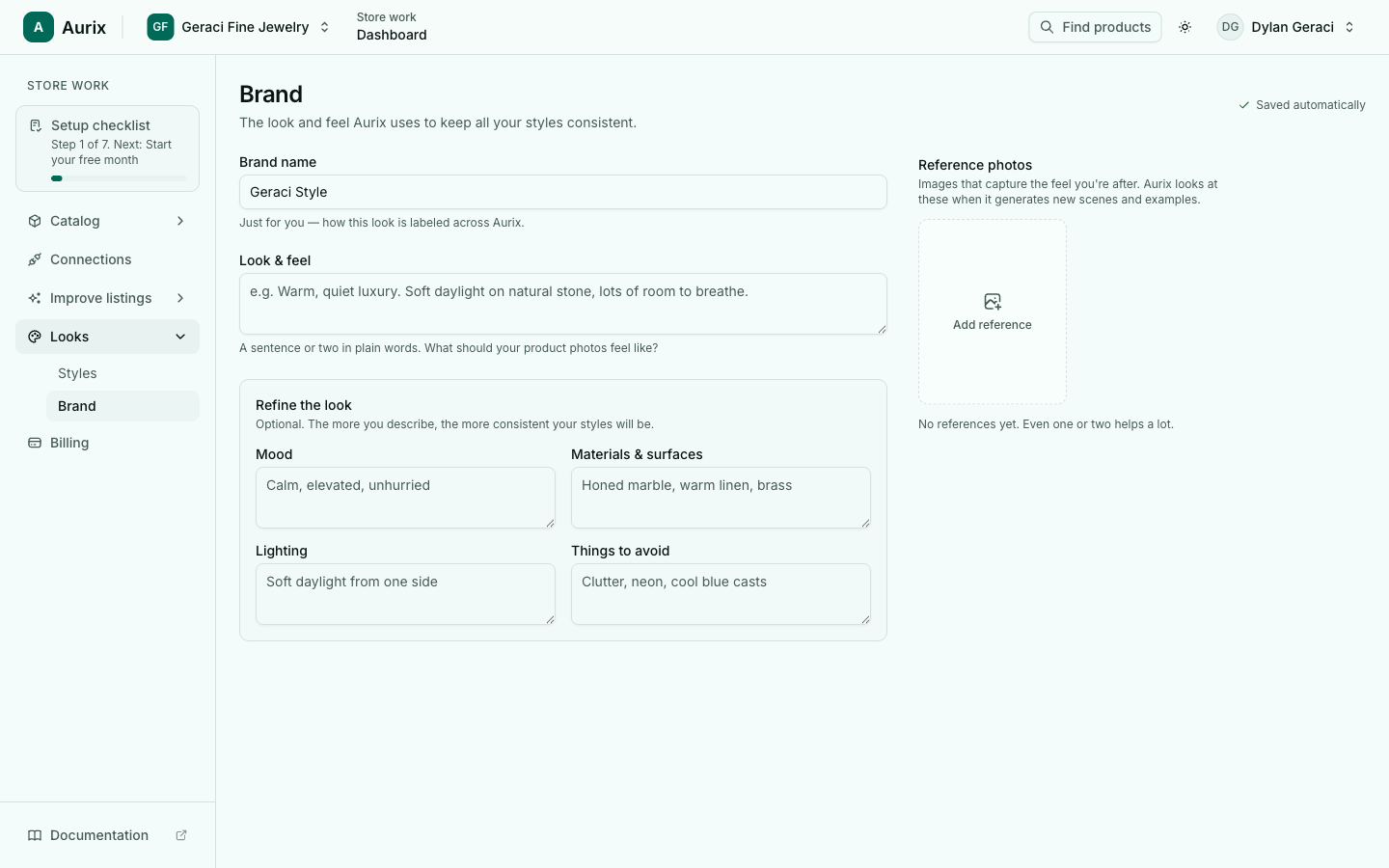
Every Style leans on one shared brand profile. Describe your look once in plain words: the mood, the materials, the lighting, and the things to avoid. Add a reference photo or two if you have them. From then on, every Style and scene Aurix builds stays true to it, so your catalog reads as one brand instead of a pile of one-off edits.
Set the look once, run it across everything
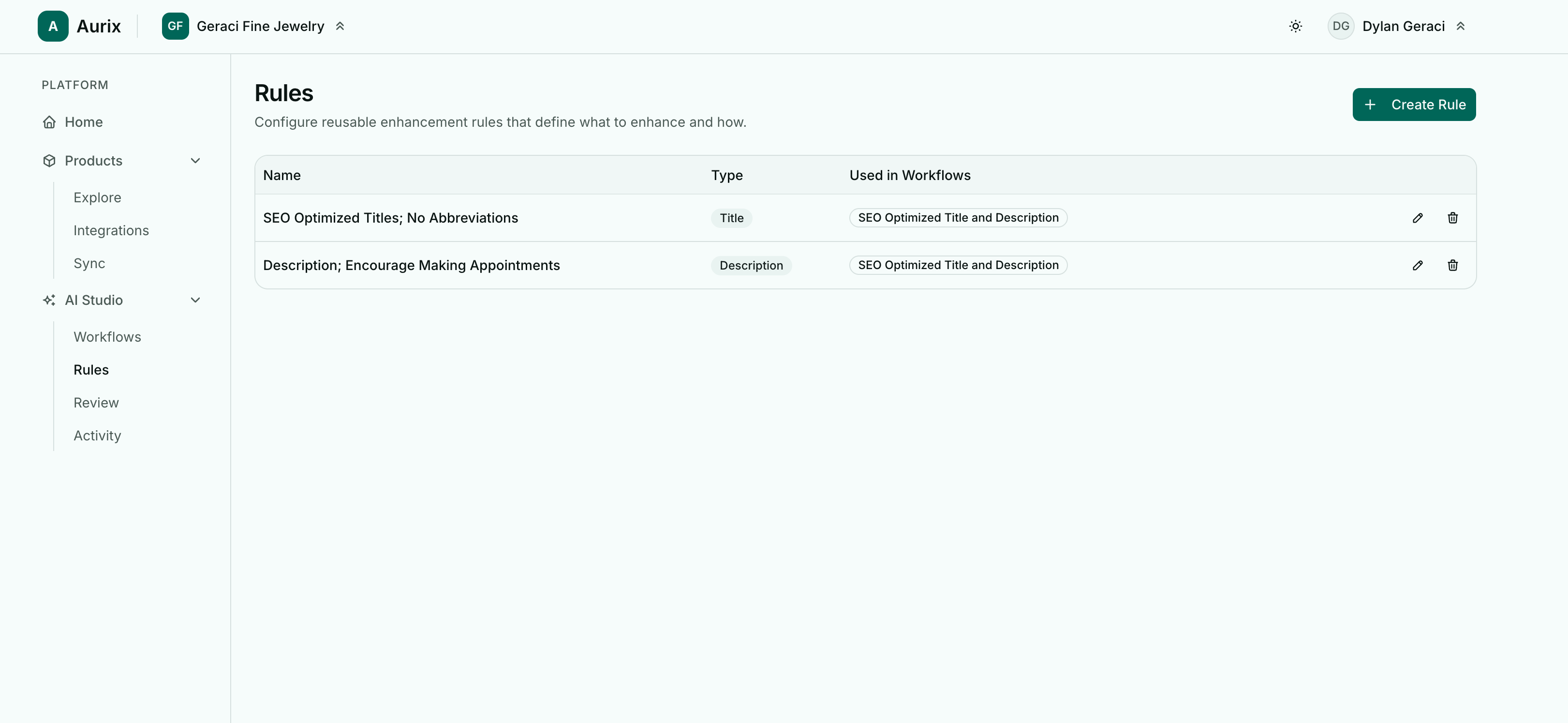
A Style becomes part of a reusable rule that defines what to enhance and how. Attach it to a Product Images rule, point it at your catalog, and Aurix works through every piece. The same rule runs again on next month arrivals, so new products inherit your look the moment they sync.
Nothing publishes without your approval
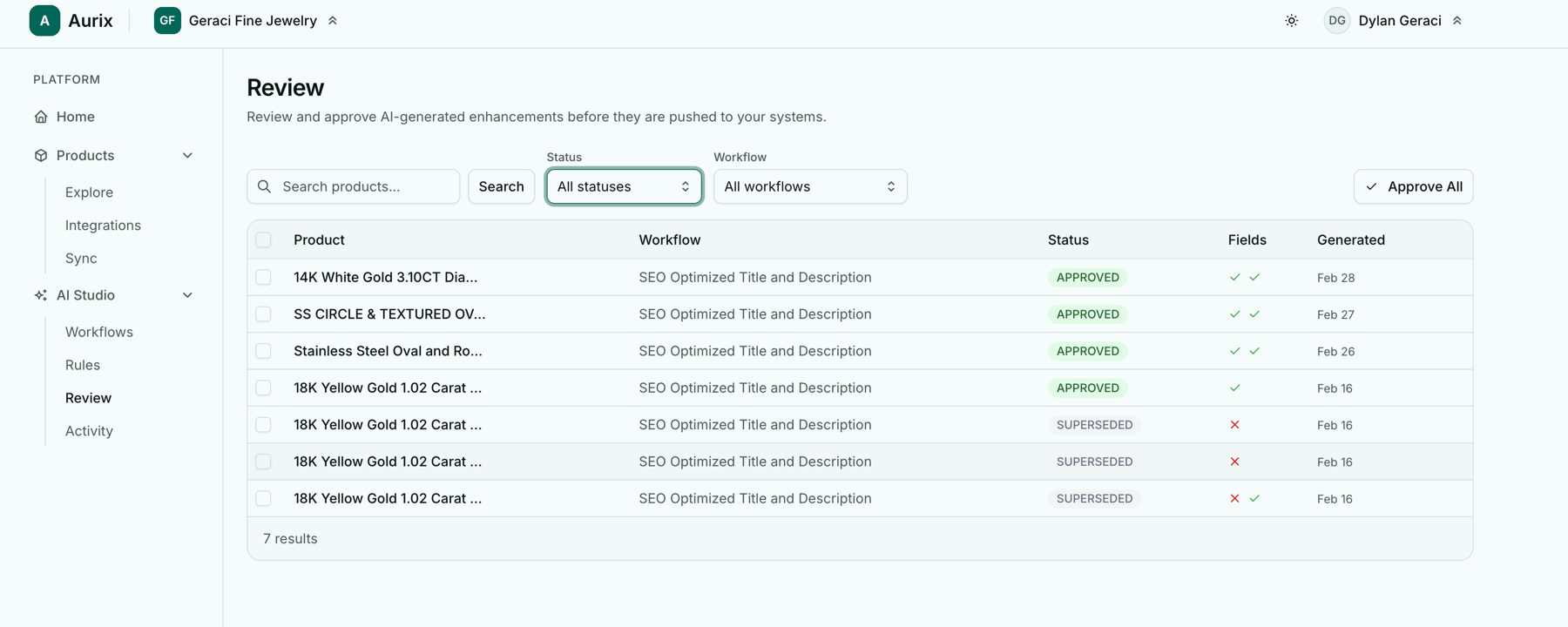
Every generated image lands in a review queue first. You see the piece, the look, and the result, and you decide: approve, reject, or revert to the original. Nothing reaches your store or point of sale until you say so.
Your ring stays your ring
This is the line we never cross. Your original photo is always the master. Aurix changes the lighting, background, and styling around the piece. It never changes the stone, the metal, the setting, or the shape. A white gold band never comes back yellow. A one carat oval never becomes a cushion. What you photographed is what publishes, shown at its best.
Studio-grade output, on your terms
- Up to 4K resolution, ready for web, print, and ads.
- Up to 4 variations per product, per run.
- Any aspect ratio you need, Square for the site or Portrait for social.
- Place new images before, after, or in place of your current photos.
The payoff shows up fast. Your catalog reads as one brand instead of a dozen photo days, lifestyle shots give shoppers a sense of scale and wearability, you get ad-ready and social-ready creative from the same run, and new arrivals go live the day they land because photography is no longer the bottleneck.
How to turn it on
Styles lives on its own page under Looks then Styles. Build or adopt a look, then add it to a Product Images rule under Improve listings then Content rules. Run it on a catalog and the new photos land in review. Approve the ones you love and they publish straight to your store.
Set your look once. Apply it everywhere. Stay perfectly on brand.
Open Styles in the app and generate your first set. About a minute to your first image, and your first ten images are free.