How to Sync Lightspeed Inventory to Shopify in Real Time
Keep your Lightspeed counts and your Shopify store in agreement so you never oversell a one-of-a-kind piece.
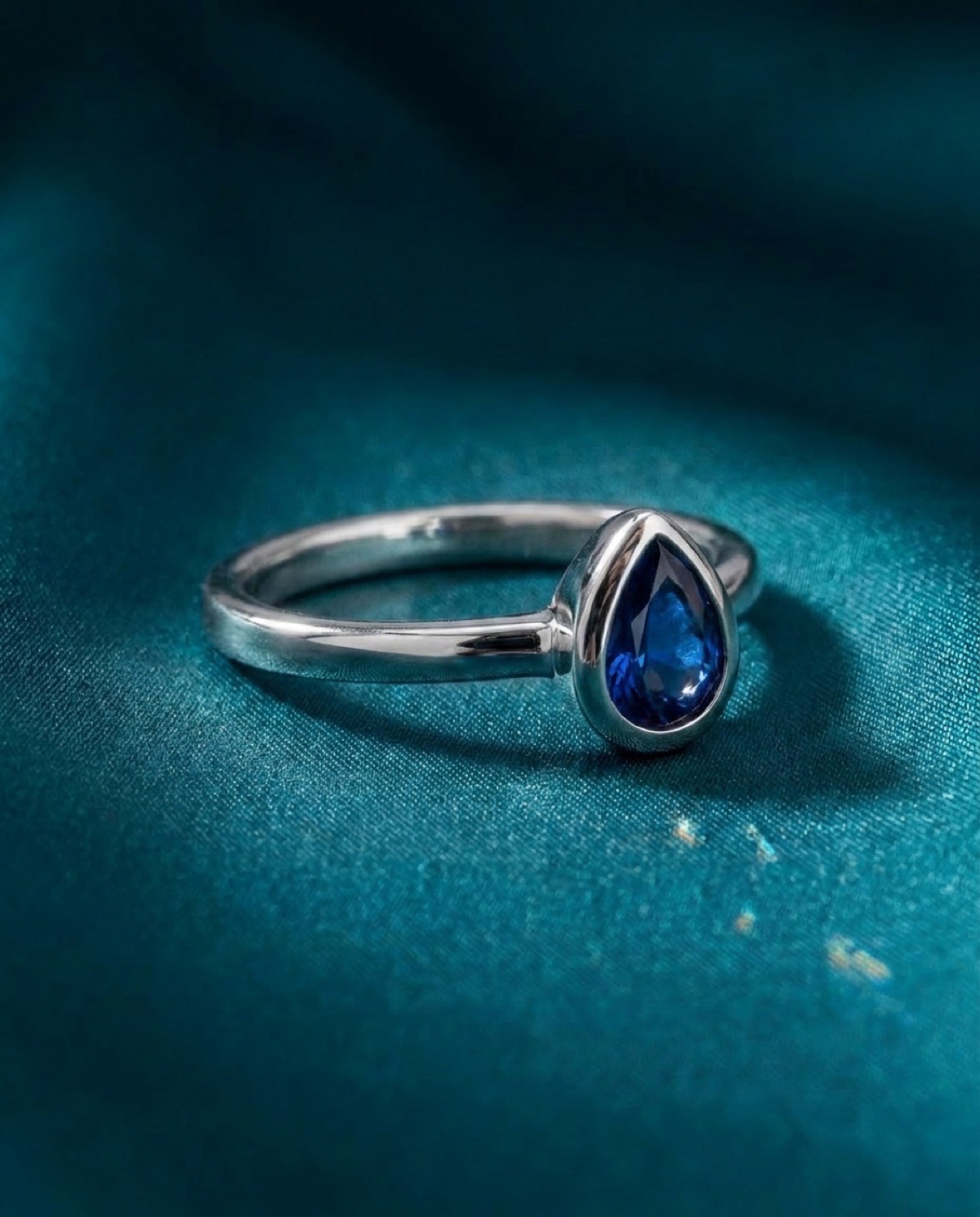
Most jewelry inventory is single quantity. You stock one of a ring, one of a pendant, one estate piece that will never come back. That is exactly what makes Lightspeed and Shopify sync harder for jewelers than it is for a store selling fifty of the same t-shirt. When something sells at the counter, the website needs to know within minutes, not at the end of the day. Otherwise a customer online buys a ring that is already in someone else's hand.
If you run Lightspeed at the register and Shopify for your website, this guide walks through what real sync actually means, where the manual approach breaks, and how to keep both systems honest without babysitting a spreadsheet.
Why overselling is worse for a jeweler
In most retail, an oversell is an inconvenience. You apologize, you restock, you ship next week. In fine jewelry there is no next week. The piece is gone. You are now calling a customer who was excited about a specific engagement ring to tell them it sold an hour ago. That is a refund, an awkward conversation, and a lost sale in one stroke.
The flip side is just as expensive. If your website shows a piece as sold out because the counts drifted, you lose a sale you could have made. Both problems come from the same root cause: two systems that disagree about what is actually in the case.
The manual CSV routine, and why it fails
The most common starting point is the export and import dance. You pull a CSV out of Lightspeed, clean it up, and push it into Shopify. It works for a while. Then reality sets in.
- The file is stale the moment you export it. Anything that sells during the upload is already wrong.
- You usually update once a day, so the website is hours behind the case at all times.
- SKU and barcode columns rarely line up cleanly between the two systems, so matching breaks.
- New arrivals need images, titles, and prices added by hand before they can go live.
- It is nobody's favorite job, so it gets skipped on busy days, which are exactly the days it matters most.
The CSV method does not fail because you are doing it wrong. It fails because a once-a-day batch can never keep up with a sales floor that moves all day.
What real-time sync actually means
Real-time sync is not a nightly export. It is a continuous connection where a change in one system shows up in the other within minutes. For a jeweler, a few specific behaviors matter most.
- A counter sale drops the website quantity to zero fast, so the piece comes down before anyone can buy it twice.
- A new piece added in Lightspeed can flow to the website automatically once it has an image and a price.
- Price changes and markdowns carry across so the website never quotes an old number.
- Lightspeed stays the source of truth. The website mirrors it, not the other way around, so there is one set of counts everyone trusts.
The goal is simple. The number on your website should always match the number in your case. Everything else is just plumbing.
The matching problem nobody warns you about
The hardest part of any sync is not moving quantities. It is making sure system A and system B agree on which product is which. If a piece exists in Lightspeed with one SKU and in Shopify with a slightly different one, the quantity update has nowhere to land.
Good sync keys on a stable identifier, usually the SKU or barcode, and refuses to guess when there is no clean match. That last part matters. A sync that quietly creates duplicates or updates the wrong listing is worse than no sync, because you stop trusting it. You want a system that tells you what it could not match instead of pretending everything is fine.
A workable setup, step by step
If you are building this for the first time, here is a sane order to do it in.
- Decide your source of truth. For almost every jeweler running a register, that is Lightspeed.
- Clean up your SKUs so the same piece carries the same identifier in both systems.
- Make sure every piece you want online has at least one usable image and a real price. No image, no listing.
- Connect the two systems so quantity and price flow automatically instead of by export.
- Watch it for a week. Spot check a few pieces against the case to confirm the counts agree.
- Set a rule for new arrivals so they reach the website without a manual rebuild every time.
Where Aurix fits
Aurix was built only for jewelers, and inventory sync between Lightspeed and Shopify is part of the core. It keeps your counts in agreement in real time, treats your point of sale as the source of truth, and matches on stable identifiers so it does not invent duplicates. When a piece sells at the counter, it comes down online before the next customer can claim it.
It also handles the part that makes new arrivals slow. Aurix turns a counter snapshot into clean 4K studio imagery without altering the stone, the metal, or the setting, writes a real title and description from the raw SKU, and sorts the piece into the right category, so a new item can go from the case to the website without a manual rebuild. A point of sale is supported but not required. If you only run Shopify, it still works.
You can start free with 10 AI images and no credit card, and paid plans begin at 99 dollars a month. If overselling and stale counts are costing you sales, this is the part of the workflow worth fixing first.